HubSpot’s Customer Success feature is a central location within Service Hub that helps teams proactively manage customers by tracking their health, usage, and needs, while keeping everything organized. It gives Customer Success Managers a unified workspace to prioritize outreach, prevent churn, and improve long-term customer satisfaction.
What is Customer Success?
Customer success is a proactive, relationship-driven business strategy focused on ensuring that customers achieve their desired outcomes while using a company’s products or services.
What is the goal?
The goal of Customer Success is to guide customers throughout their entire journey, helping them extract maximum value from the offering and stay satisfied with their experience.
When done effectively, Customer Success naturally:
Increases customer satisfaction
Builds loyalty, trust and long-term retention
Drives revenue growth and strengthens relationships
Customers that receive “value enhancement” during service interactions have an 82% probability of staying with that company(Source: Semrush, Customer Retention Statistics, 2025).
Ultimately, it’s about forming a long-term partnership where the customer’s success becomes the company’s success.
As businesses grow, keeping customers satisfied and engaged becomes essential. That’s where HubSpot’s Customer Success featurecomes in — a set of tools designed to help teams proactively manage customer relationships, reduce churn, and ensure clients get real value from the products or services.
HubSpot goes beyond reactive support:
Instead of waiting for customers to report issues, teams can anticipate problems.
Guide customers toward long-term success.
Ensure clients continue getting value from your product or service.
What are the HubSpot tools for Customer Success?
HubSpot’s Customer Success feature combines functionality with practical value. Each tool is designed to make customer management more efficient:
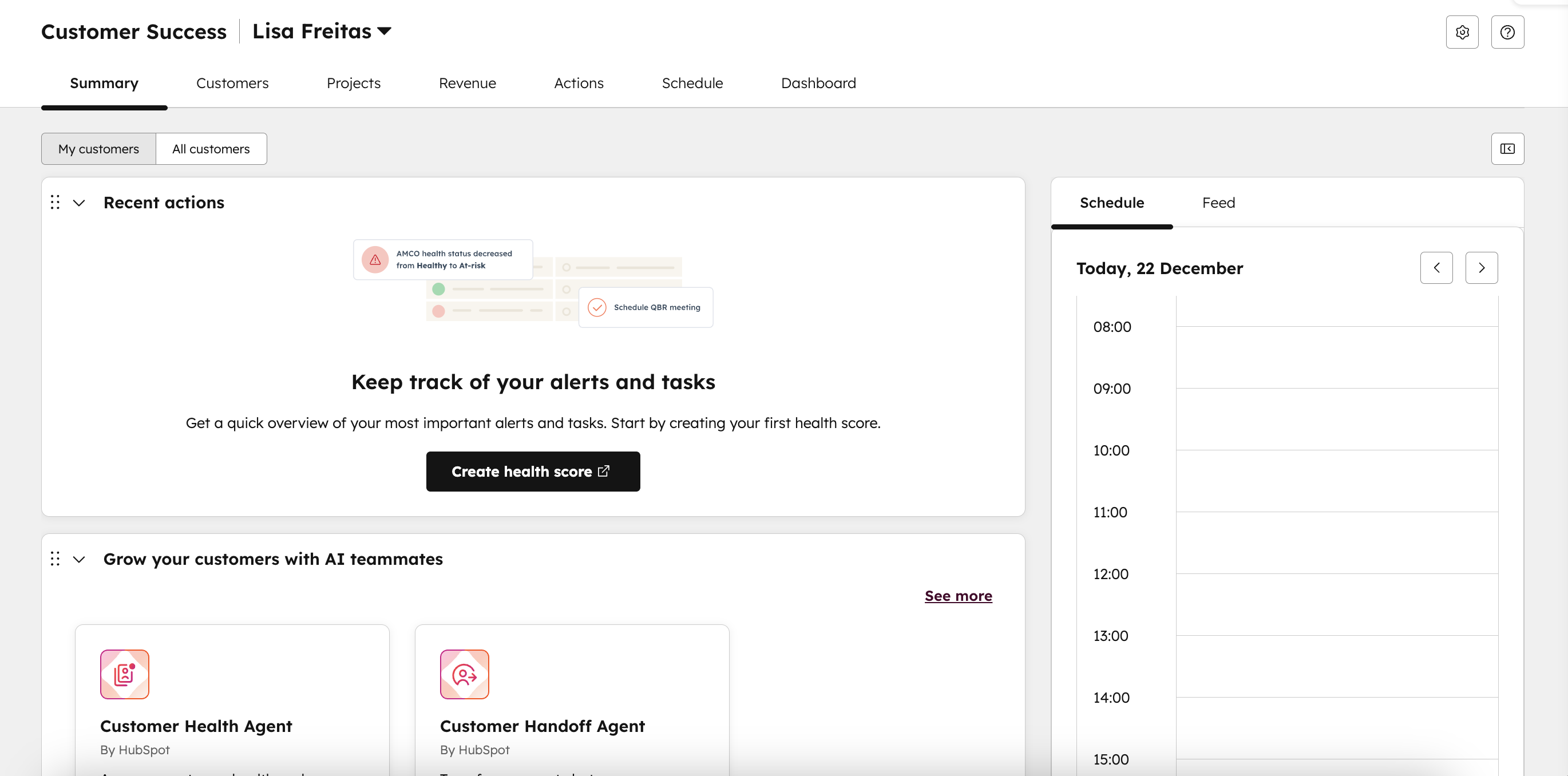
Summary → Gives a portfolio overview of your customers, showing daily tasks, health score summaries, schedule, and key metrics. Helps quickly assess workload, spot at-risk accounts, and prioritize actions.
Customers → Displays a list of company records associated to your contact. You can add specific filters and choose custom views. Shows health scores, ownership and recent activity.
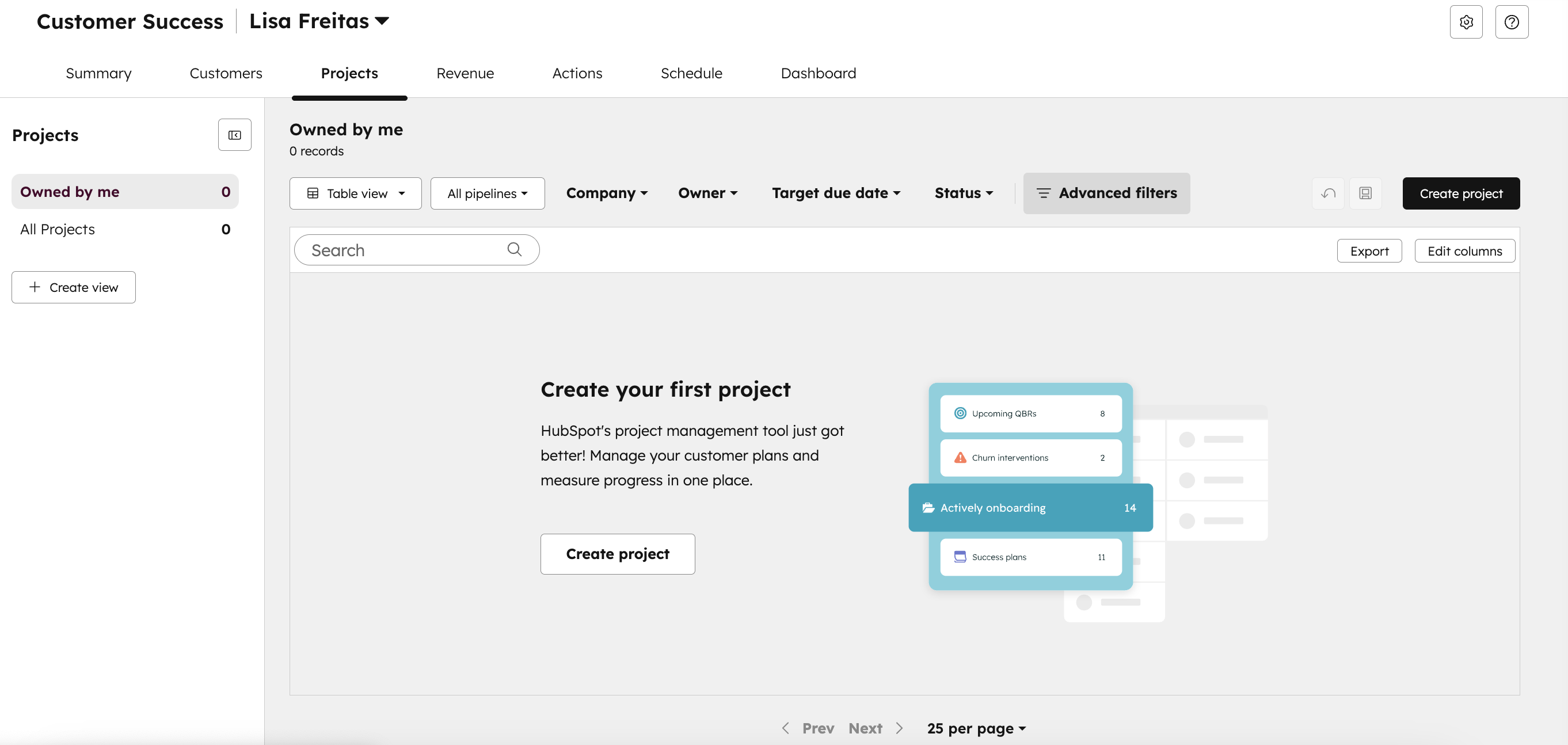
Projects →The projects assigned to you will appear in the Projects tab within the Customer Success feature.
In CRM → Projects, you can create projects to manage structured customer activities, such as onboarding or success plans. Track tasks, deadlines, and project progress all in one centralized location.
Revenue → Shows an overview of the deals assigned to you and their current stages. From there, you can easily access deal summaries and track your efforts. It helps link Customer Success activities to financial outcomes.
Actions → Shows tasks and alerts, including health score changes (when you have an alert scheduled), overdue or upcoming tasks, and custom task lists.
Customer Health Scores– Track engagement, usage, and risk indicators to identify customers who may need attention and prevent churn.
As HubSpot explains “A customer health score gives you a clear view of a customer’s overall relationship with your business. It highlights how likely they are to stay engaged or churn by combining key signals like usage, engagement, and satisfaction, helping your team proactively identify loyal customers and those at risk.”
Source: HubSpot
Schedule → Calendar view of tasks and meetings. Supports daily, weekly, or monthly planning to manage customer engagements.
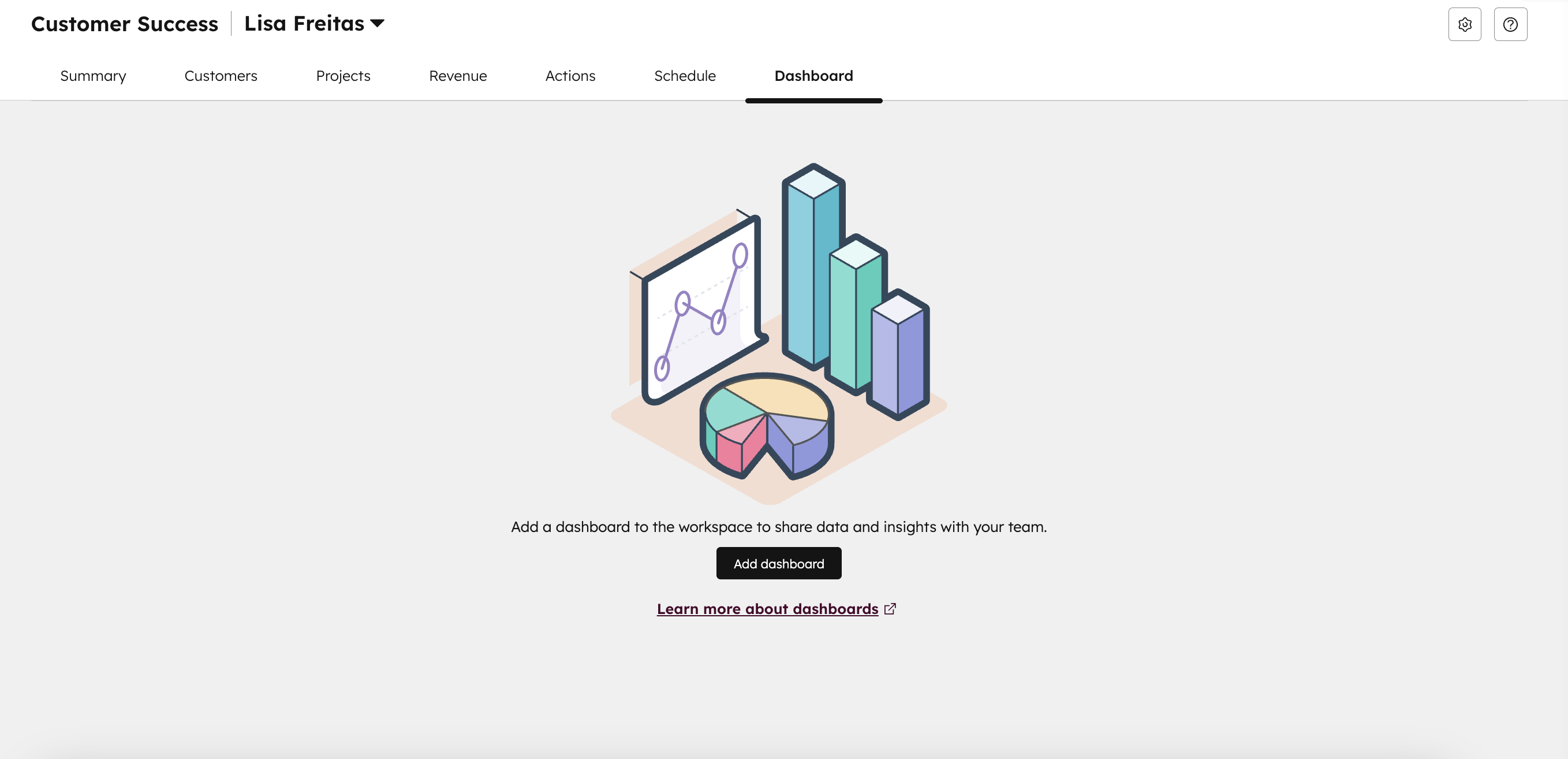
Dashboards → Centralized Customer Success reports, including churn, retention, and health score trends. Allows teams to monitor performance and make data-driven decisions.
What are the benefits of using HubSpot Customer Success feature?
Using HubSpot Customer Success helps businesses:
A full overview to track your customers' experience.
Proactively manage customers to prevent churn.
Increase retention and loyalty by monitoring health and engagement.
Improve team productivity by centralizing customer information and tasks.
Gain actionable insights through reporting and analytics.
Streamline team collaboration with reminders, workflows, and custom views.
Customer Success is about building lasting relationships with your clients.
By understanding their needs, anticipating their challenges and delivering consistent value, companies can foster trust, loyalty, and long-term satisfaction.
Services
Make the best out of your Customer Success
If you are still unsure of how to use this feature, click below to learn how we can help you.
Implementing a strong Customer Success strategy ensures that both the customer and the business thrive together. With the right expertise, you don’t have to navigate this journey alone — the right support can help you implement these strategies effectively and see real results.
What other features can help with Customer Success?
The following Service Hub features can help you to bring a strong relationship with your client: Help Desk, Customer Portal, Customer Agent, Knowledge base and Feedback Surveys.
Can I create a Customer Portal with HubSpot?
Yes, you can set up a Customer Portal in HubSpot CRM, if you’re on Service Hub Professional or Enterprise.