HubSpot
5 Steps to Perfect Your HubSpot Deal Stages
Learn how to optimize your HubSpot deal stages to align with your buyers' journey and boost sales efficiency.
 Go to home
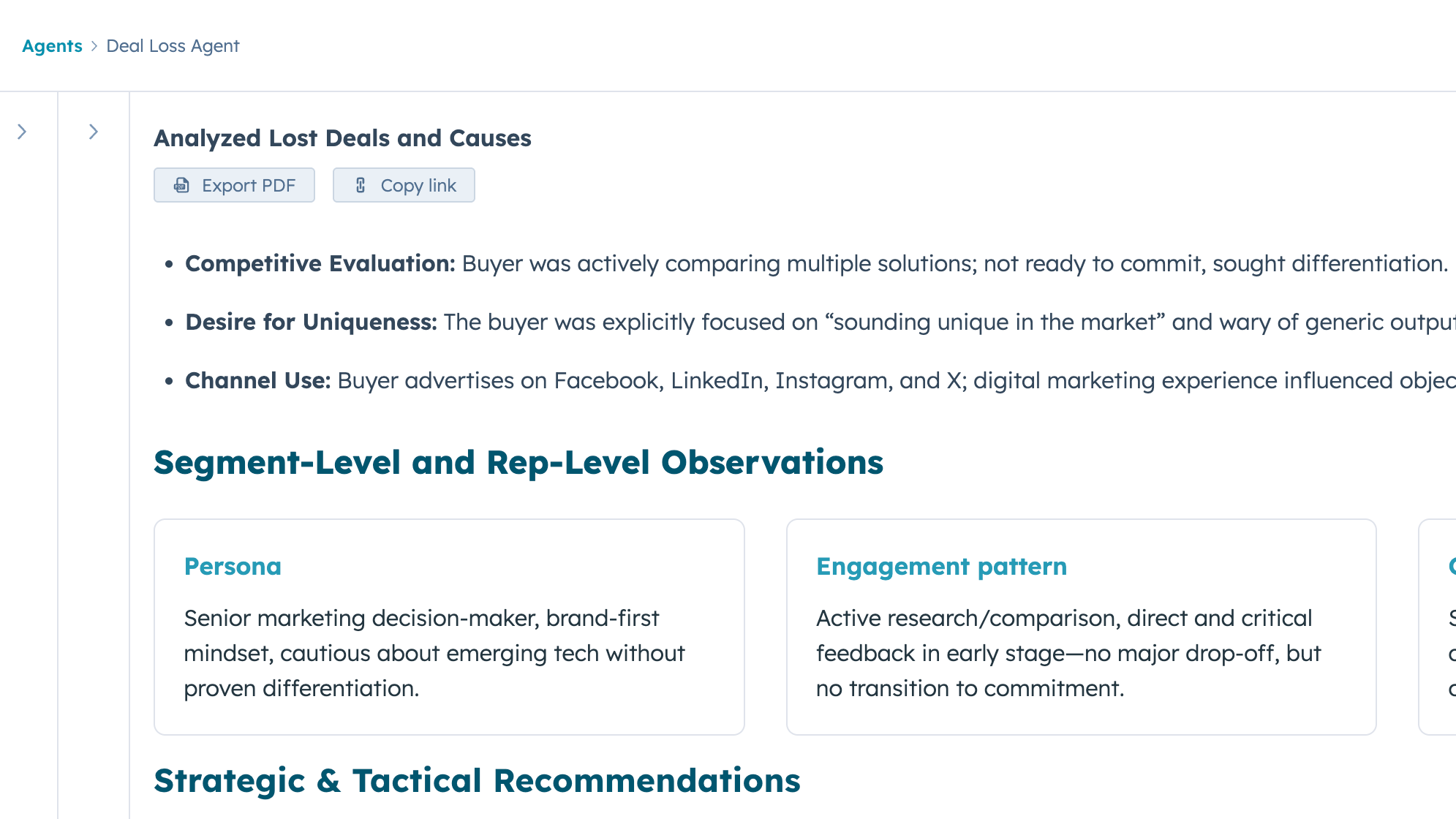
HubSpot’s Deal Loss Agent reviews your closed-lost deals, finds patterns in why you lose, and recommends what to change. Here’s how to set it up.
Every sales team has closed lost deals, but few take a time to work out why they keep losing them. HubSpot’s Deal Loss Agent reviews your closed-lost deals and their associated records, spots patterns in your CRM data, and gives you recommendations. You don’t have to dig through deals one by one. It’s available on any tier of Marketing Hub, Sales Hub, Service Hub, Data Hub, or Content Hub, and it runs on HubSpot Credits.
Table of Contents
Check what our HubSpot Consultant Joana Gomes has to say about the Deal Loss Agent in HubSpot:v
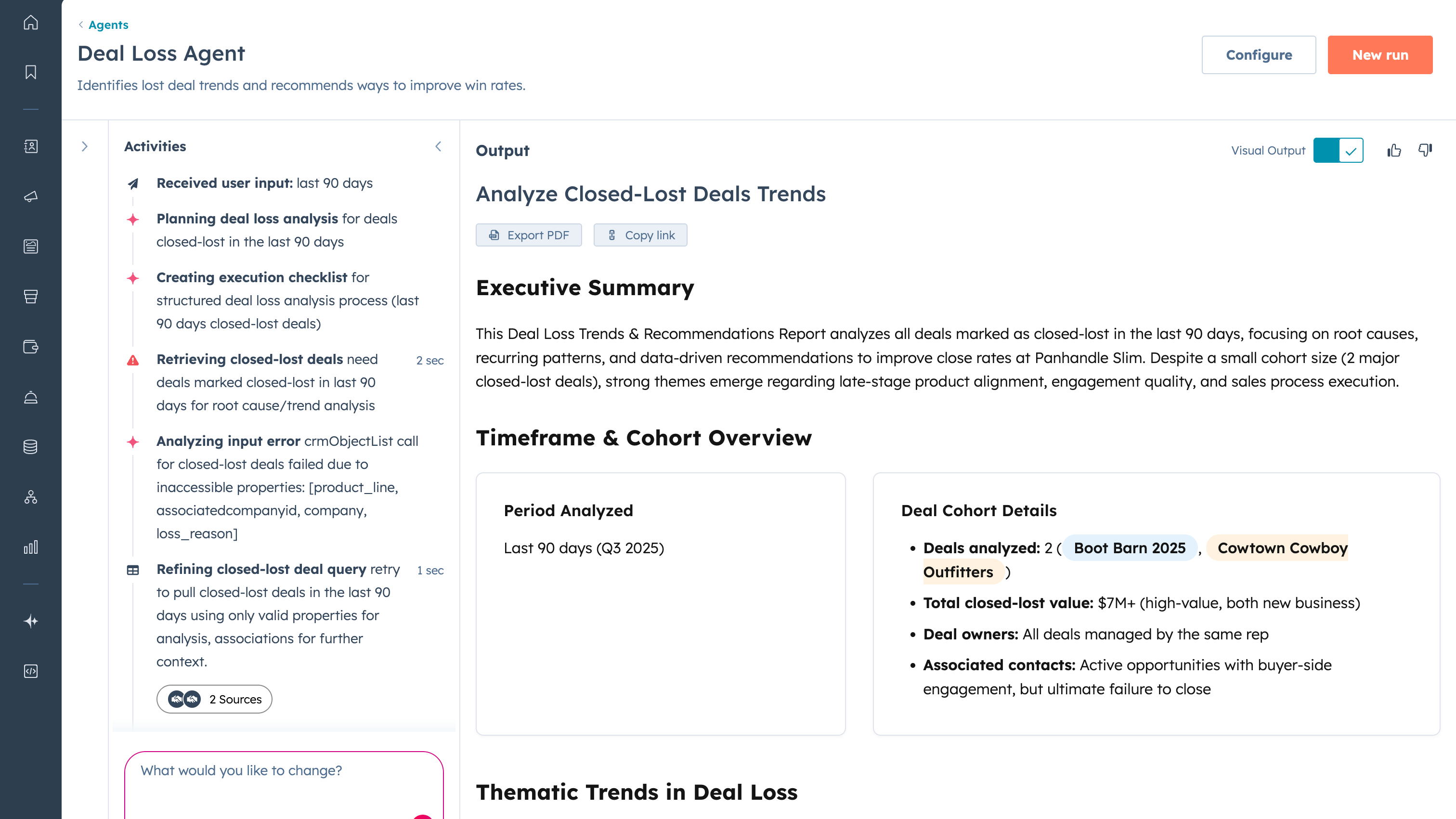
The Deal Loss Agent answers one question: why are we losing deals? It reviews deals marked closed lost over a timeline you choose, along with their associated records, and turns what it finds into a report with patterns and recommendations.
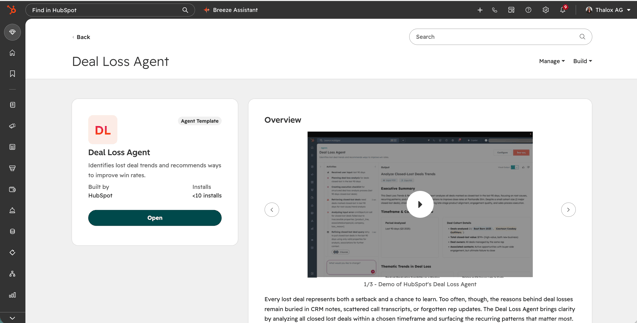
What it is: an agent you add from HubSpot’s Agent Marketplace, customize in the agent builder, and run from the Agent Inbox whenever you need a fresh analysis.
Why use it:
Before you start, make sure that:
Then:
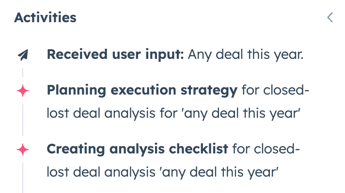
Tip: The agent is only as good as your deal data. If closed lost reasons are empty or inconsistent, fix that first. Otherwise, the agent has very little to work with.
The agent is available on any tier (Starter, Professional, or Enterprise) of Marketing Hub, Sales Hub, Service Hub, Data Hub, or Content Hub. Running it uses HubSpot Credits, so check your credit balance and usage in your account settings before scheduling regular runs.
Credit usage depends on the work the agent does during a run, so we can’t give a reliable estimate from its configuration alone. Test runs are free. After a test, the agent builder shows the credit usage to help you gauge the cost of a real run.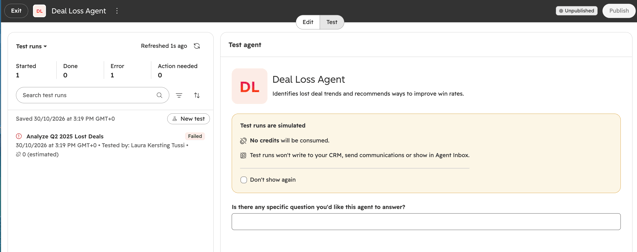
A sales rep gets the most from the Deal Loss Agent by using it as a coach. Before a quarterly review or pipeline planning, run the agent on your own lost deals and look for the patterns that keep coming up, like stalling after the demo, losing on price, or deals going quiet once a competitor gets involved.
Choose one or two of the recommendations to try on your open deals, such as bringing in a decision maker earlier or handling pricing objections sooner. A few weeks later, run the agent again to see whether the pattern has changed. If you share the PDF with your manager, your one-to-ones can be about real data instead of gut feeling.
The Deal Loss Agent can only find patterns in data that’s there. As a certified HubSpot partner, Thalox helps you:
Want to find out why you’re losing deals? Book a discovery call with our team.
Learn how to optimize your HubSpot deal stages to align with your buyers' journey and boost sales efficiency.
Define clearly your HubSpot deal stages for a smooth sales pipeline. Learn key components, setup tips, and automation techniques to boost sales...
HubSpot's Data Agent enriches, transforms, and fixes your CRM data automatically. Here's what it is, how to set it up, and how to use it.