Database
How to Integrate your ERP with HubSpot
Discover how to integrate your ERP with HubSpot to sync data, automate workflows, and align sales, marketing, and finance. Watch the expert-led...
 Go to home
Discover why integrating your business systems matters, the benefits of data integration, and how connecting HubSpot with your ERP can improve efficiency.
Most businesses rely on more than one software system to manage their daily operations. Marketing teams use CRM platforms like HubSpot or Salesforce, finance teams work with ERP systems, and customer service teams may use other tools to manage support requests.
Using different systems isn't necessarily a problem. In fact, each tool serves a specific purpose. The challenge starts when these systems don't communicate with each other.
That's where data integration comes in and becomes important.
Table of content:
When businesses use multiple platforms, a lot of information is often spread across different departments. Without integrating those systems, employees may need to manually transfer data, update the same information in multiple places, or switch between systems to find what they need.
And this can lead to duplicate records, outdated information, unnecessary manual work, and mistakes.
But there's a solution. By integrating all the data you connect your systems so that information can flow between them automatically.
Instead of managing disconnected data, your teams can work with more consistent and up-to-date information.
Some of the main benefits include:
HubSpot is a powerful platform for managing marketing, sales, and customer relationships. But for many businesses, it isn't the only system they use.
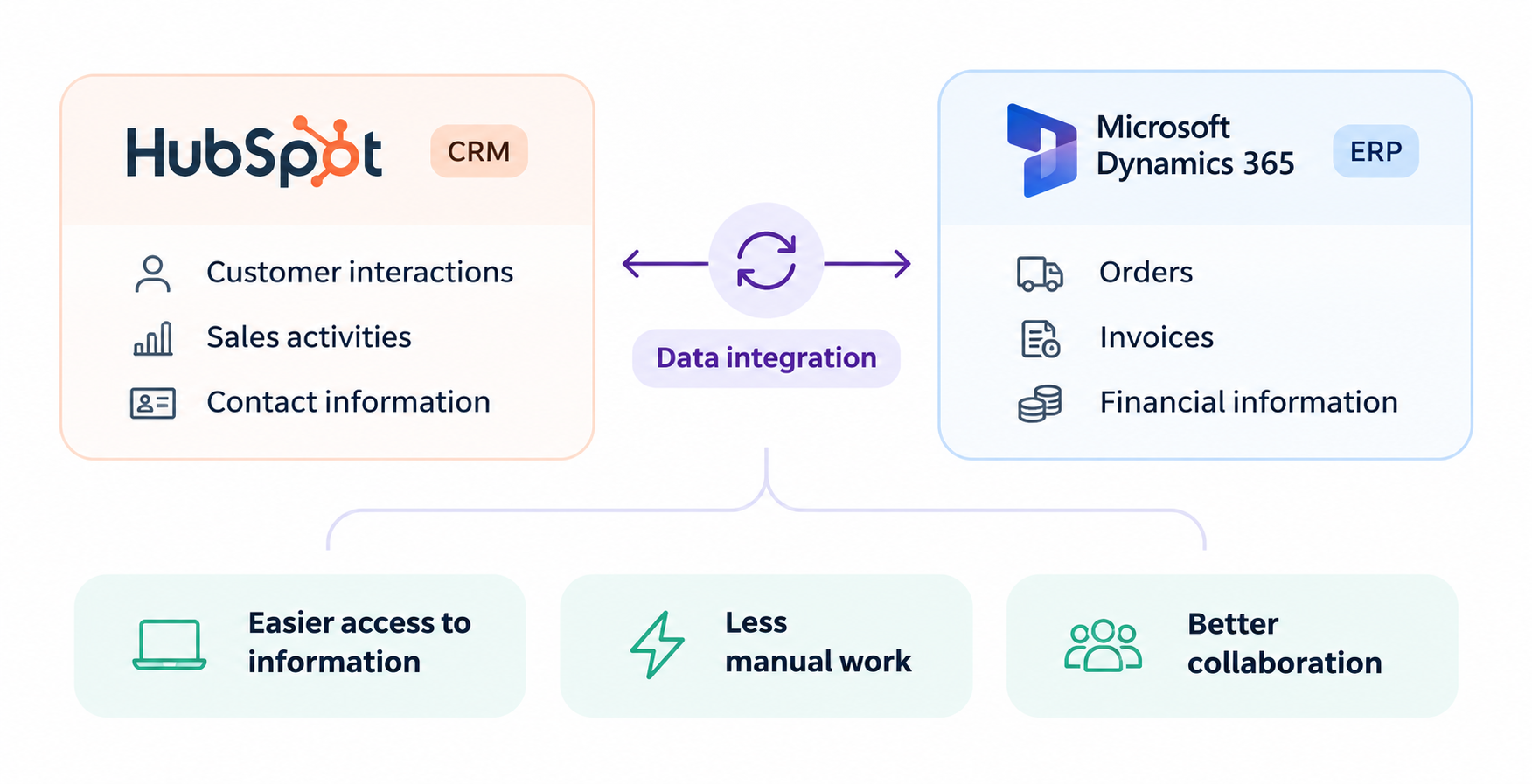
For example, a company might use HubSpot to manage customer interactions and Microsoft Dynamics 365 Business Central to manage orders, invoices, and financial information.
Without integration, sales teams might need to switch between platforms to check customer orders or manually update information in HubSpot.
By connecting HubSpot with an ERP system, businesses can make relevant information available across both platforms.
This can help sales teams access customer and order information, reduce manual updates, and improve collaboration between sales, finance, and operations.
The goal isn't to replace your existing systems. It's to make them work better together.
There are three main ways to connect HubSpot with your ERP: using a native connector, building a custom integration, or choosing a third-party integration platform.
Each approach has its advantages and limitations. The best option depends on the systems you use, the data you need to exchange, and your business requirements.
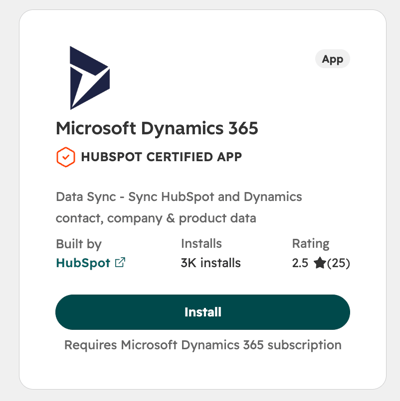
HubSpot offers native integrations with Microsoft Dynamics 365 and Microsoft Business Central, making it possible to connect supported systems without developing an integration from scratch.
These connectors can be a good starting point for businesses with straightforward synchronization needs. They are relatively easy to set up and can help reduce manual data entry.
However, native integrations don't always cover everything a business needs. Depending on the connector, there may be limitations in the data that can be synchronized, field mappings, and more complex workflows.
Another option is to build your own integration using APIs.
This gives businesses greater control over how data moves between systems and allows them to create workflows tailored to their specific requirements.
The downside? You're also responsible for maintaining it. API changes, technical issues, and future updates require ongoing development resources and expertise.
For businesses looking for a more flexible solution without building everything from scratch, integration platforms like Rapidi offer another approach.
Rapidi provides pre-built integration templates to connect HubSpot with Microsoft Dynamics and other business systems. It supports both cloud-based and on-premise environments, as well as more complex synchronization requirements.
With built-in monitoring and support, businesses can also spend less time managing the technical side of their integrations.
Explore how Rapidi can help and find the right integration solution for your business.
| Integration approach | Pros | Cons |
|---|---|---|
| Native integrations | Easy to get started, pre-built synchronization, suitable for basic needs | Limited customization and data coverage, depending on the connector |
| Custom-built integrations | Full control over data flows, mappings, and business logic | Requires technical expertise, development time, and ongoing maintenance |
| Integration platforms like Rapidi | Pre-built templates, flexible configurations, monitoring, and ongoing support | Additional platform costs and initial configuration |
There's no single solution that works for every business.
If you only need to synchronize basic information between supported systems, a native connector might be enough.
If you have very specific requirements and the technical resources to manage them, a custom integration could make sense.
Or if you need to connect multiple systems, manage more complex data flows, or simplify ongoing maintenance, an integration platform like Rapidi may be a better fit.
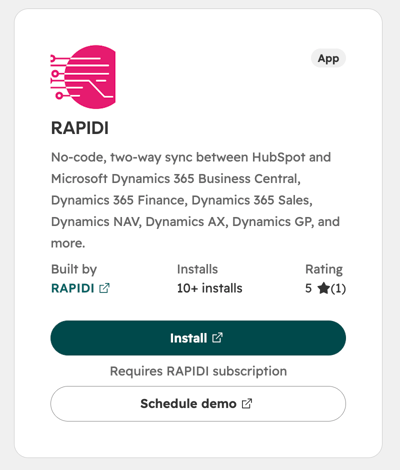
You can also find Rapidi's own integration app on the HubSpot Marketplace. Check it out here!
They also hosted a webinar exploring the different ways to connect HubSpot to your ERP. Watch the full recording below.
Using multiple business systems is a normal part of running a business. But those systems shouldn't create unnecessary barriers between your teams.
By integrating your platforms, you can reduce manual work, improve data consistency, and make better use of the tools you already have.
Discover how to integrate your ERP with HubSpot to sync data, automate workflows, and align sales, marketing, and finance. Watch the expert-led...
Optimize your business potential by syncing HubSpot and Microsoft Dynamics 365 ERP. Discover here how to integrate both systems in 3 steps.
HubSpot Breeze AI helps you streamline tasks, create content, and manage data efficiently with integrated AI tools. Learn about its features and...