

How could Thalox Suite help me to write content specific for my target group?
Thalox Suite therefore offers Content Recommendations, providing guidance on which content may be of interest to different target groups.
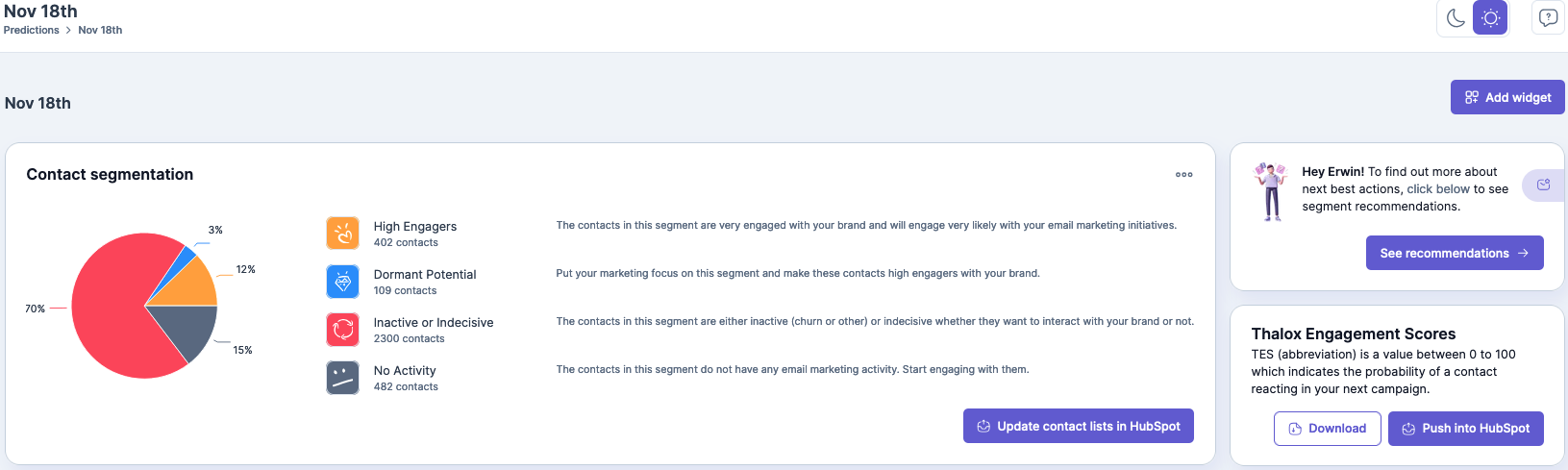
When you click on the button, the following pop-up appears:
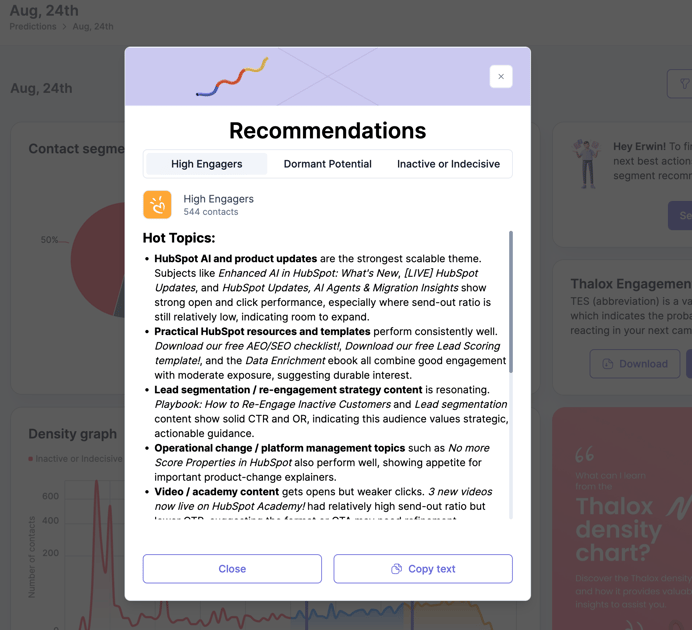
You will get a summary of recommended content topics based on your high-performing subject lines sent to the specific segment. Please also scroll down in the pop-up to see the detailed topic recommendations.
This means that for High Engagers, these are the contacts most likely to react to your next email campaign and that have high open rates (based on your last prediction):
-
AI advancements
-
Tips for meetings
-
Lead scoring
-
Webinars
-
Marketing plans & strategies
You can then base your next email campaigns on these topics, knowing they are relevant to this audience.
For the other segments, you may have different topics that resonate better with them. By clicking on each tab, you can view the topics of interest for each segment. It also provides guidance on what content each group is most interested in, and you can test new topics and run additional predictions to determine which ones yield better results.
You can utilize these content recommendations by adding them to a prompt in HubSpot Copilot or other AI content generation tools like Claude or ChatGPT.
You can then tailor your email content based on the insights provided. This powerful combination allows them to craft a comprehensive first draft of an email tailored to their specific audience (Thalox Suite segment).
By leveraging the insights provided, they can ensure that the email resonates well with the target group, enhancing engagement and effectiveness.
Updated August 2026