

Thalox Normalizer is a feature that cleans, standardizes, and syncs inconsistent HubSpot property values into ready-to-use normalized properties, so your targeting, automation, and reporting become more accurate and reliable. This tool is a feature inside your Thalox Suite portal.
How can Thalox Normalizer help you get your data right?
Thalox Normalizer is the next building block in getting your HubSpot data truly “fit” for targeting.
While Profiler shows you where your data is messy or inconsistent, Normalizer lets you fix it at scale and sync it back into HubSpot as clean, standardized properties.
Think of all the ways the same value can appear in your portal today:
- “United States”, “US”, “U.S.”, “USA” in country;
- “VP Sales”, “Vice President of Sales”, “Head of Sales”. in Job title;
Those inconsistencies quietly break your lists, cause contacts to drop out of key workflows, and skew reporting because your filters can’t reliably group like-with-like.
With Normalizer, you define the standards once and automatically map all variations to a single, consistent value. Suddenly, your country-based segmentation actually includes everyone it should; your lifecycle and industry workflows trigger accurately, and your dashboards stop under‑ or over‑reporting segments because of property chaos.
See how it works:
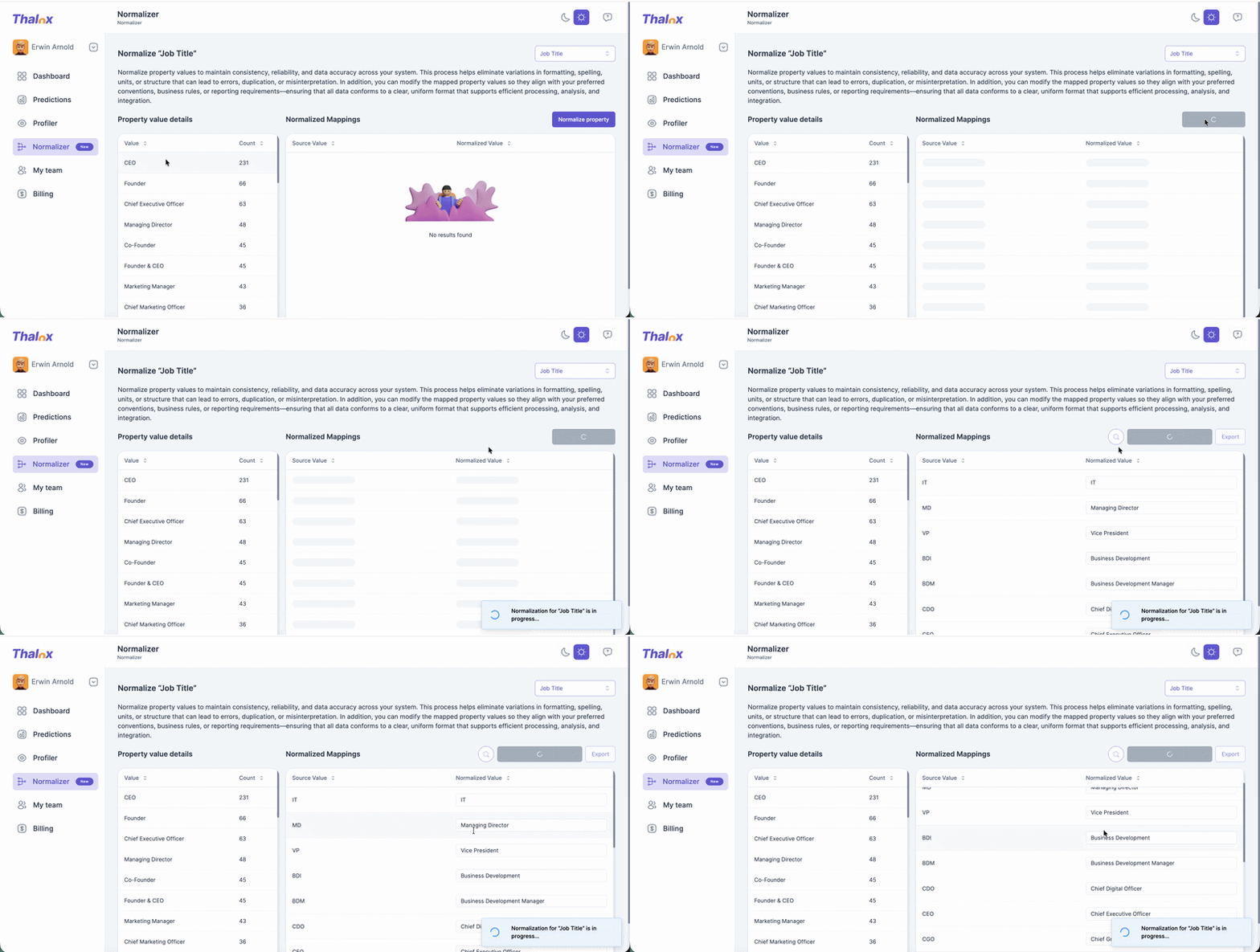
Using Thalox Normalizer
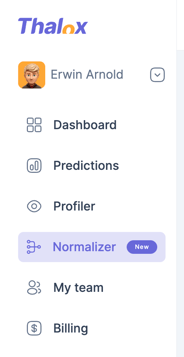
- In the left-hand main menu, click on Normalizer.
-
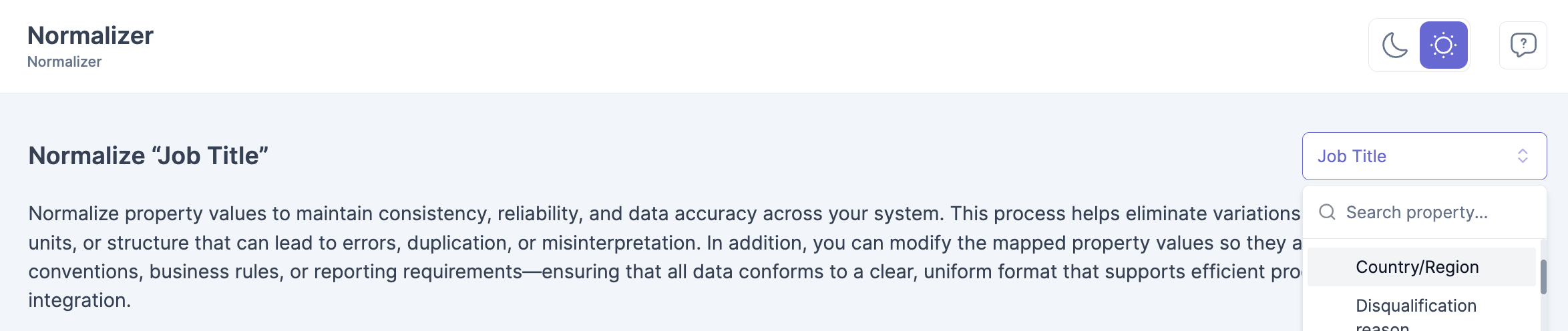
In the top-right corner, select the property you want to normalize. We recommend normalizing properties that use an open text field type.
-
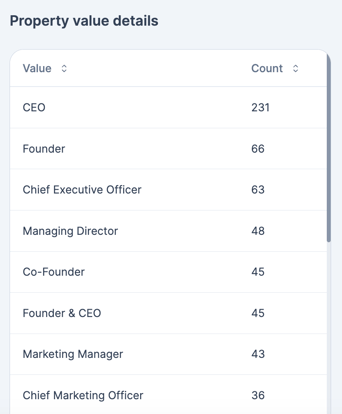
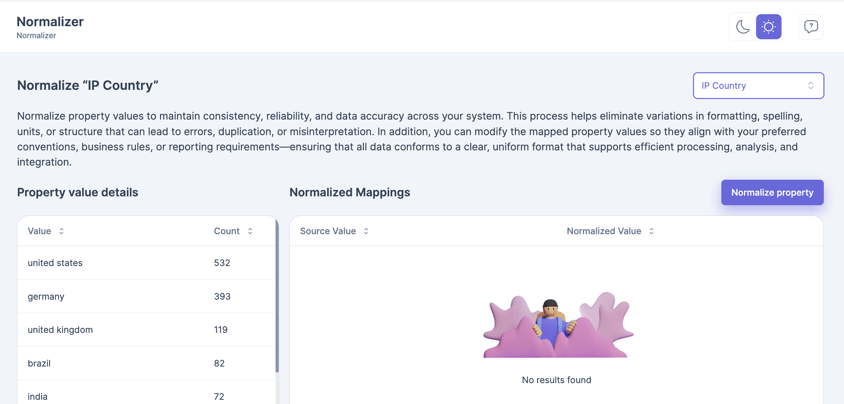
The detailed property values will load, showing all the values currently stored for that property in your HubSpot portal.
-
Click “Normalize property” and Thalox Normalizer will run its algorithm to suggest a standardized (“normalized”) value for each source value.
-
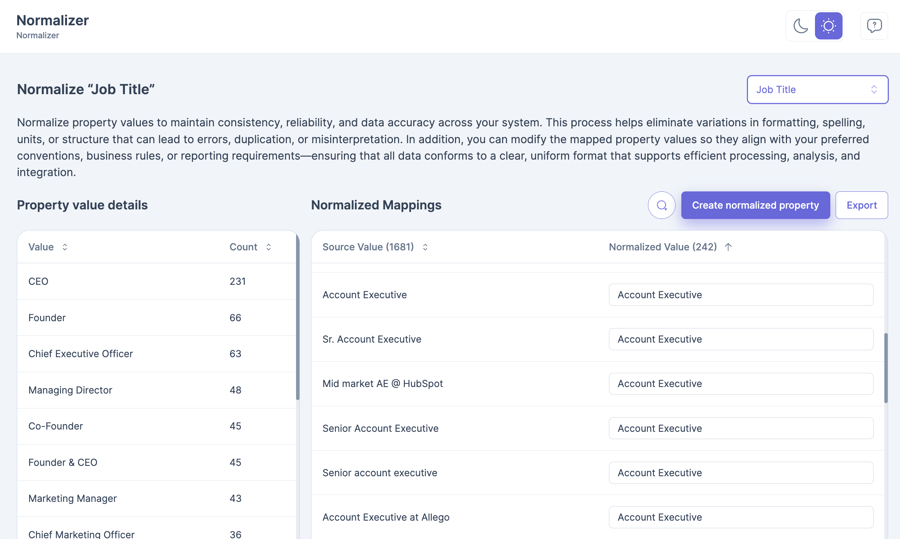
You’ll see every original value alongside the suggested normalized value. If needed, you can edit any normalized value to align the mapping with your specific requirements. The algorithm can process values in multiple languages, but all normalized property values will be in English.
-
Once you’re happy with the mapping, click Create normalized property.
-
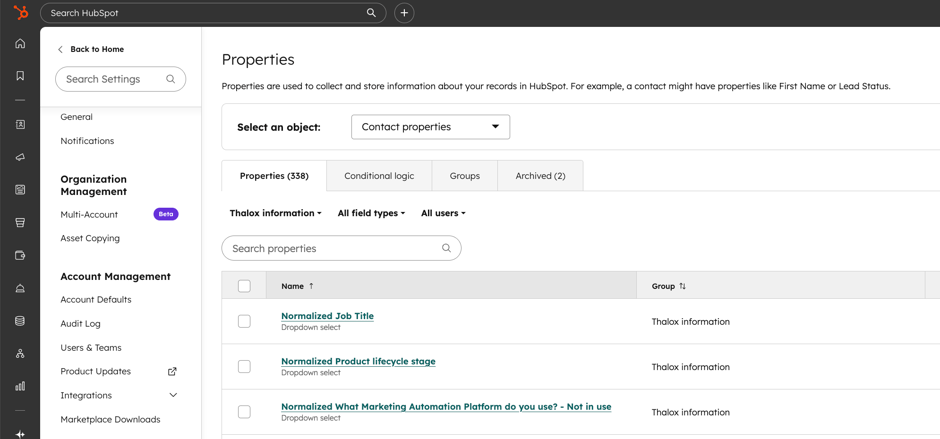
In your HubSpot portal, a new property group called “Thalox Information” will be created. Each time you export a normalized property, it will be added to this group and named “Normalized [Property name]” — for example, “Normalized Job title.” The new normalized property will be created as a dropdown (select) field type.
- To export your normalized mappings, simply click Export. A CSV file containing all normalized values will be downloaded for you.
To find a specific value, use the search (magnifying glass) icon.
Use cases of Thalox Normalizer
A global SaaS team that previously had 5+ versions of “Germany” in their HubSpot country field can normalize them into one clean value, instantly stabilizing geo-targeted nurture campaigns and regional performance reports.
Another powerful use case is job title normalization.
Imagine the same company wants to send a specific campaign to all Heads of Marketing, but the database contains variations like “Head of Marketing,” “Marketing Director,” “VP Marketing,” or “Head Marketing.” Without normalization, some of the right contacts may be missed or grouped inconsistently. By standardizing those values, the team can build more accurate segments, launch campaigns with confidence, and reach the right audience every time.
By combining Profiler’s diagnostics with Normalizer’s bulk standardization, you move from “we know our data is a mess” to “we trust our segmentation, automation, and reporting” – and you do it without endless manual HubSpot cleanup.
Updated March 2026